TOTP · menu bar · QR scan · Touch ID
Your two-factor codes, on your Mac.
Stop unlocking your phone to read a code and type it by hand. The code is in your menu bar, or typed into the front app with one shortcut. Google, GitHub, AWS, Microsoft and every site that uses TOTP.
Your secrets stay in your Mac's Keychain. No account, no data collection, no cloud. Six Digits connects to the internet only to check for a new version.
3-day free trial · macOS 14 or later · Apple Silicon and Intel
0
accounts to create
0
secrets sent to a server
1
shortcut: ⌥⌘6
1×
payment
Features
Find, copy and type a code in one second.
01
Your data stays on your Mac
Secrets and backup codes live in the macOS Keychain. No account to create, nothing goes to a server or the cloud.
02
Menu bar
Every code in the menu bar icon, with time left. Click and the code is on your clipboard.
03
⌥⌘6 search panel
Open it from any app, type a few letters, press ↩ to copy or ⌥↩ to type into the front field. The account for the site open in your browser comes first.
04
Scan the QR on screen
When a site shows a 2FA setup QR code, no need for your phone: Six Digits reads the screen and adds the account. No screenshot is kept.
05
Touch ID lock
Codes only show after your fingerprint or Mac password. Locks when your Mac sleeps, the screen locks, or after the idle time you choose.
06
Easy migration
Reads Google Authenticator export QR codes one after another (with iPhone Mirroring). Imports 2FAS and Aegis backups and otpauth links.
07
Backup code vault
Keeps the recovery codes sites give you next to the account. Mark the ones you used.
08
Encrypted backup and health check
Backs up every account into one password-encrypted file. Flags accounts that are not backed up, duplicated or missing backup codes.
09
Shortcuts and Raycast
Copy a code from Shortcuts, Raycast or Alfred with links like sixdigits://copy?account=github.
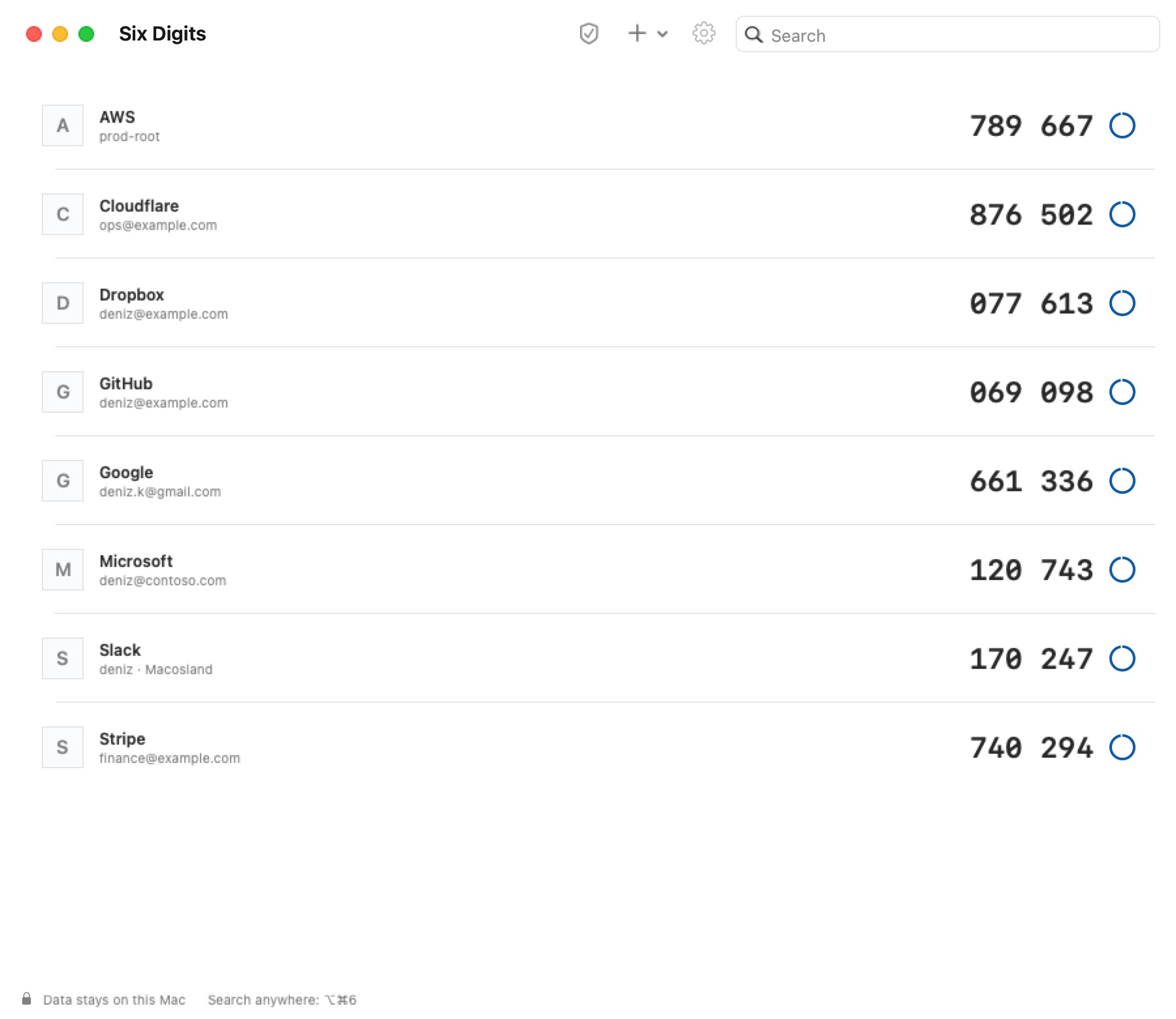
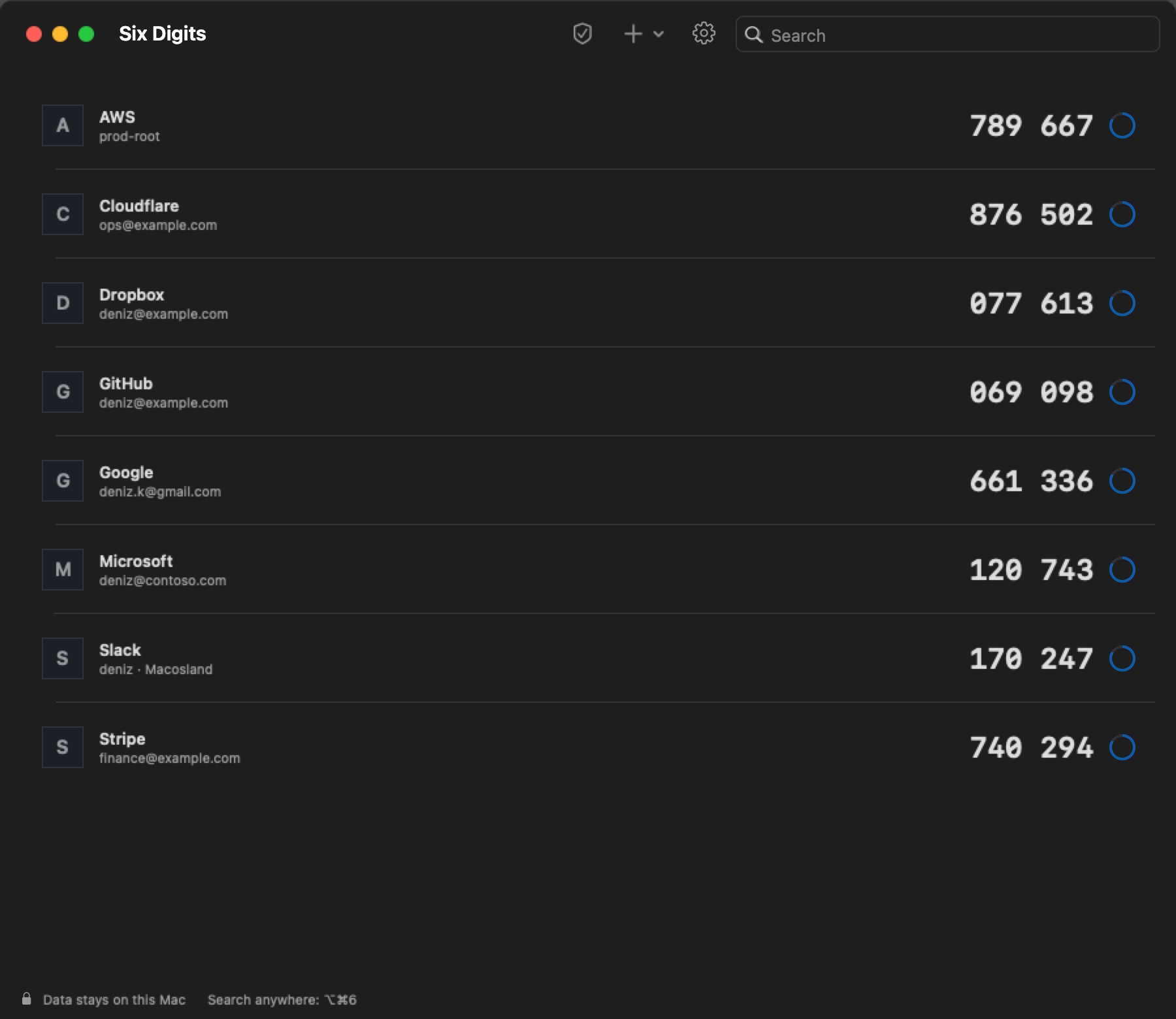
Every code in one list, with time left. Click a row to copy the code.
Compare
How it differs from an authenticator on your phone.
| Six Digits | Phone app | |
|---|---|---|
| Where the code is | In your Mac menu bar | On your phone screen |
| Entering the code | One shortcut, typed for you | Read it and type it by hand |
| Adding an account | Your Mac reads the QR on screen | With the phone camera |
| Secrets | In your Mac Keychain | On the phone, sometimes in the cloud |
| Microsoft "Approve" push | No (only Microsoft's own app can) | Yes, in Microsoft Authenticator |
Simple pricing.
No subscription.
FAQ
Frequently asked questions.
Yes, for the 6-digit codes you add as an "authenticator app" in your Microsoft account. The Microsoft "Approve" push only works in Microsoft's own app; Six Digits can't do that.
Another question? Email us: [email protected]